USB Type-A
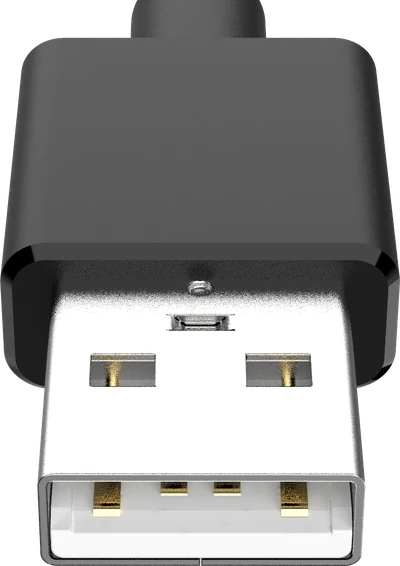
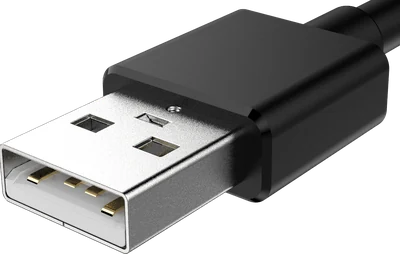
The flat rectangle everyone pictures when they hear “USB”.
Also called: USB-A, standard USB, normal USB, the rectangular one, USB 2.0.
How to recognise it
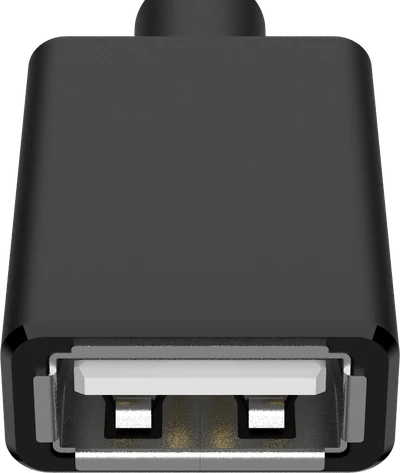
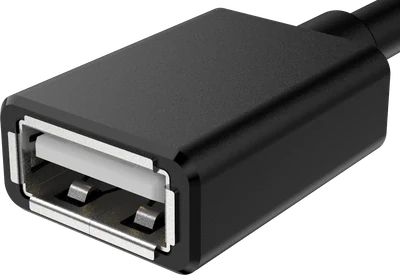
- Flat rectangle, roughly 12 mm wide and 4.5 mm tall.
- Only goes in one way up, though it famously takes three tries.
- A white or black plastic tongue inside the metal shell.
Where you will find it
- Laptop and desktop ports
- Chargers and power banks
- Keyboards, mice and memory sticks
- TVs, consoles and car head units
What it fits
-
These are the same physical plug, so they always fit. The link runs at the slower end's speed - 480 Mbps (Hi-Speed) - because USB Type-A has no contacts for anything faster.